Managing copies
A copy is a physical instance of a book. A record can have one copy (a rare book), several (a popular book with multiple copies), or none (a referenced book not yet received).
Adding a copy
From a record's page, click + Add a copy.
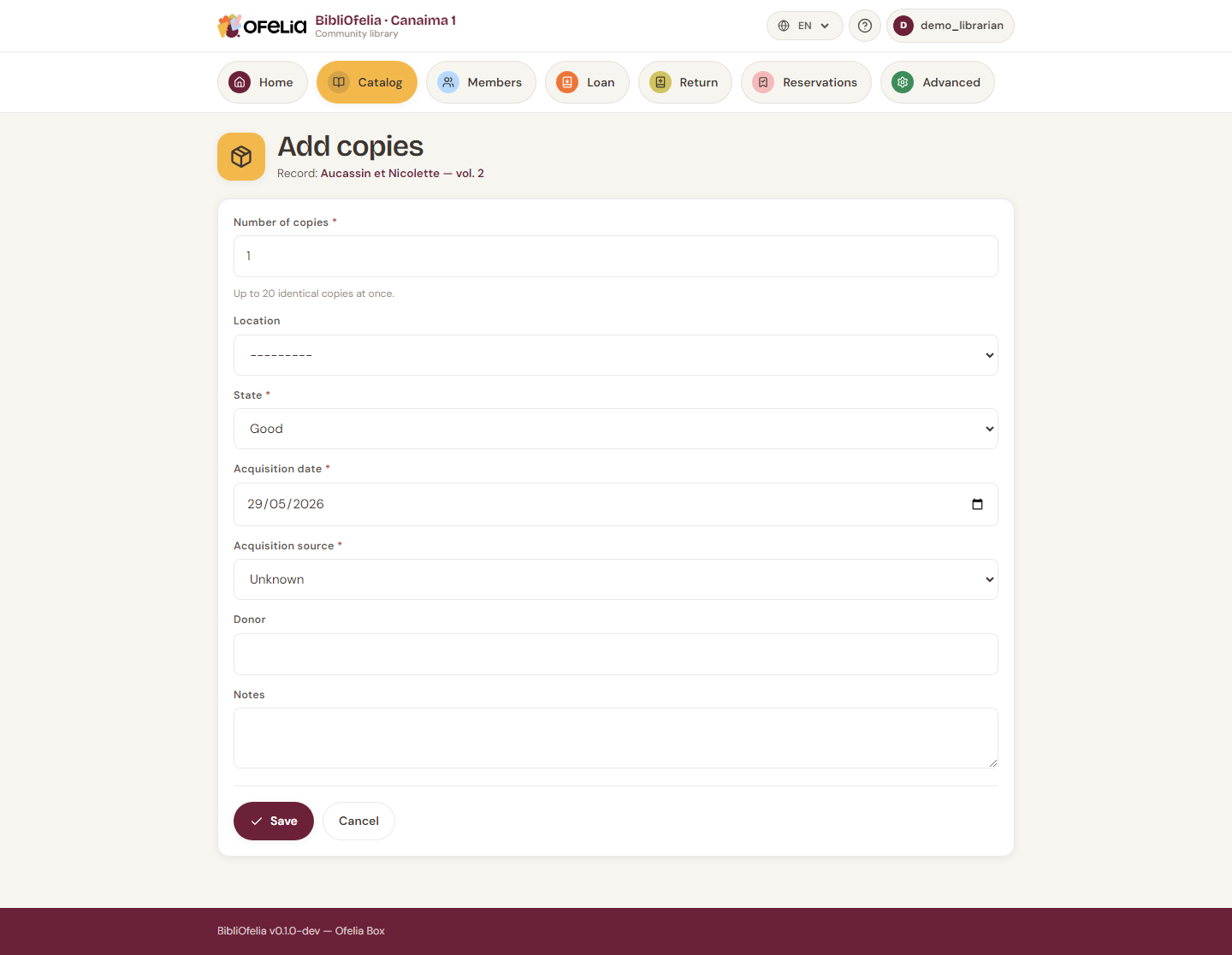
Choose:
- Location — the shelf or aisle (see Locations)
- Number of copies — to create several at once
- Notes — condition of the book, source, etc.
Click Create. Each copy automatically receives:
- A unique Ofelia code (starts with 290 — this is the barcode printed on the book's label)
- An internal code in the form
OFL-YYYYMMDD-NNNN(visible on the record in BibliOfelia, useful to quickly identify the entry date)
See the glossary for a detailed explanation of the different codes.
Codes are never reused
When you delete a copy, its Ofelia code stays "reserved": no new copy will ever carry that number. This is important to prevent a printed label for a removed book from accidentally becoming valid for another book.
See all copies of a record
The record page displays at the bottom the list of all its copies with their status: Available, On loan, Reserved, Lost, Discarded.
Editing a copy
Click a copy's row to open its edit form. You can change its location, add a note, or change its status.
Discarding a copy
If a copy is too damaged to lend (but not lost), you can discard it: it stays in the database but becomes non-lendable. Use the Discard button on its page.
The external Ofelia code
Some books arrive with a label that is not yours: a collection lent by
another library, a donation that was already catalogued, an inventory from
before BibliOfelia. Instead of sticking your own label on top, enter that
code in the copy's External Ofelia code field (up to 20 letters or
digits, for example BCF13298781X).
From then on, that code works exactly like an Ofelia code: when lending, returning, doing an inventory check, or searching. You can type it or scan it, with or without dashes, in upper or lower case.
One code, one copy
Two copies cannot share the same external code: BibliOfelia would not know which one you are scanning. If the code is already taken, the form tells you which copy has it.
The source
The Source field says where this copy comes from: bought by the library, donated, lent by a partner library… You pick it from a list you manage yourself (see Sources).
The source is what lets you find all the books of a deposit when the day comes to give them back — even when the same title also has a copy that belongs to you.
Print the labels
To print copy barcodes on physical labels, see Book labels.