Locations
Locations are the shelves, aisles or rooms where you physically store books. They help find a copy among others.
View existing locations
From the Catalog, click Locations in the menu.
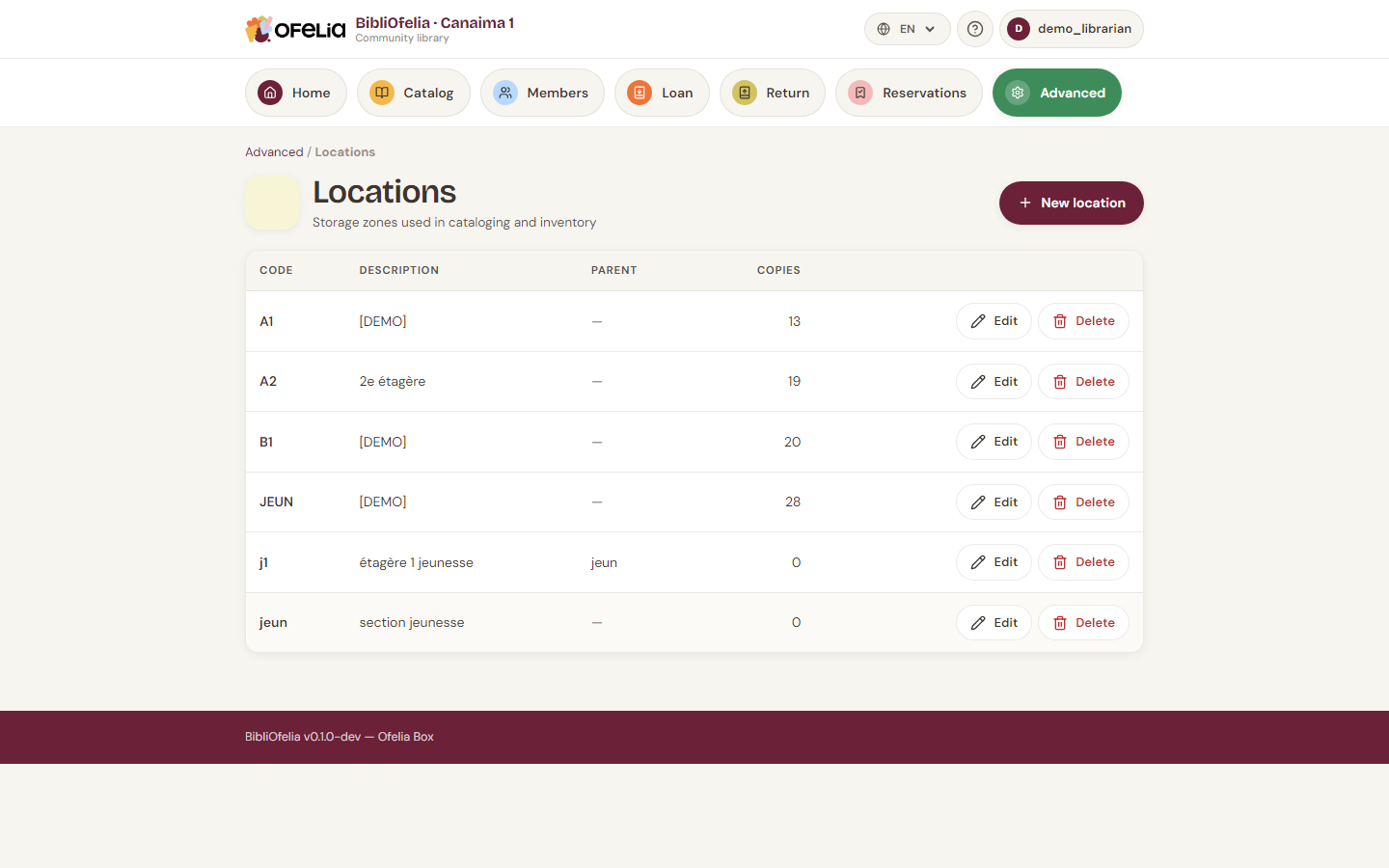
Each location has:
- A short code (e.g.
A1,YOUTH,BD) for labels and scanning - An explicit name (e.g. "Adult section A1", "Youth section")
- An optional description
Creating a location
Click + New location:
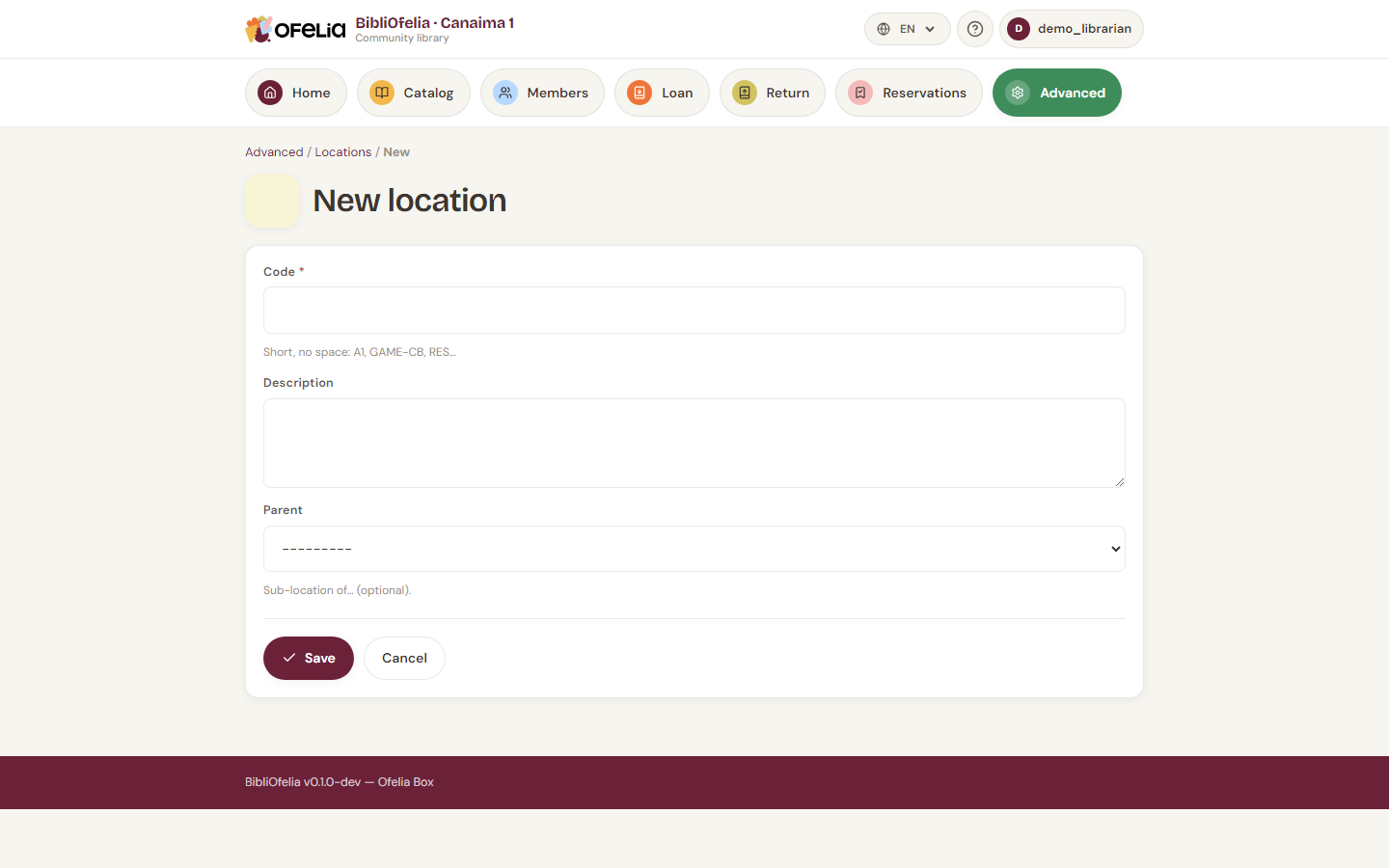
Enter the code and name, then Save.
Pick a short, stable code
Codes appear on labels and in OfeliaScan. A short code (2-4 characters) is faster to scan and read. Avoid changing a code after printing labels.
Assigning a copy to a location
When creating a copy, pick its location from the dropdown. You can also change it later from the copy's page.
Inventory with automatic relocation
During an inventory with OfeliaScan, if you scan a book in a different location from the one recorded, BibliOfelia automatically updates the copy's location. This is the fastest way to refresh your catalog after a major rearrangement.
See Inventory.
Deleting a location
You can only delete a location if it is empty. If copies are still stored there, move them first (edit each copy, or run an inventory).