Sign in
To use BibliOfelia, open your web browser and go to the Ofelia Box
address (usually http://ofelia.local/bibliofelia/ or the IP address
your administrator provided).
Enter your credentials
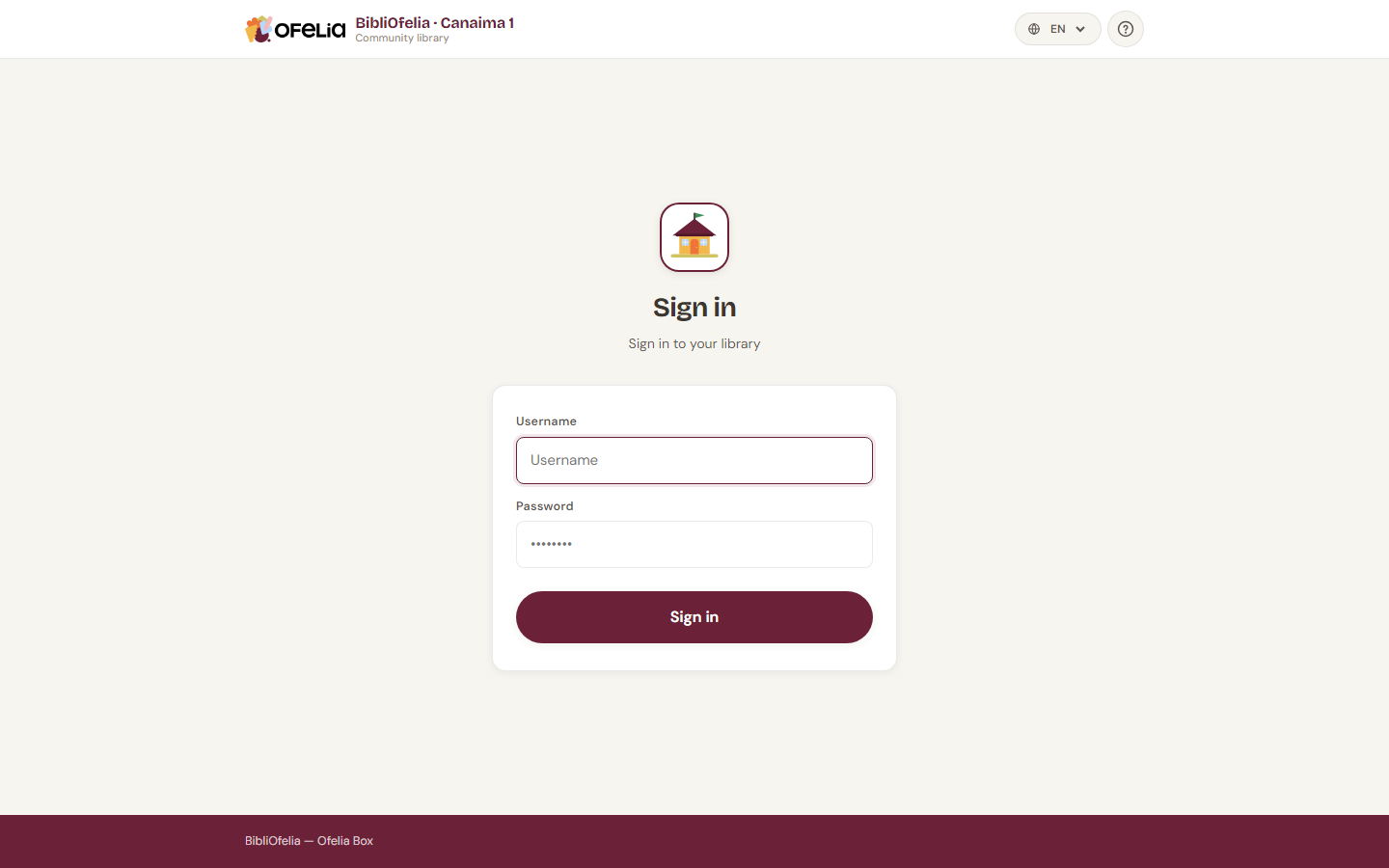
Type your username and password in the two fields, then click Sign in.
Don't have credentials?
Accounts cannot be created by librarians themselves. Ask the Box administrator to create one for you.
Forgot your password?
BibliOfelia works offline and does not send emails: the administrator must reset your password directly from the Box.
Security: limited attempts
To protect the library, after several incorrect password attempts your account is temporarily blocked. If this happens, wait a few minutes or ask the administrator to unblock the account.
Next?
Once signed in, you land on the dashboard, your starting point for all daily operations.